Repetitive Links
Answered
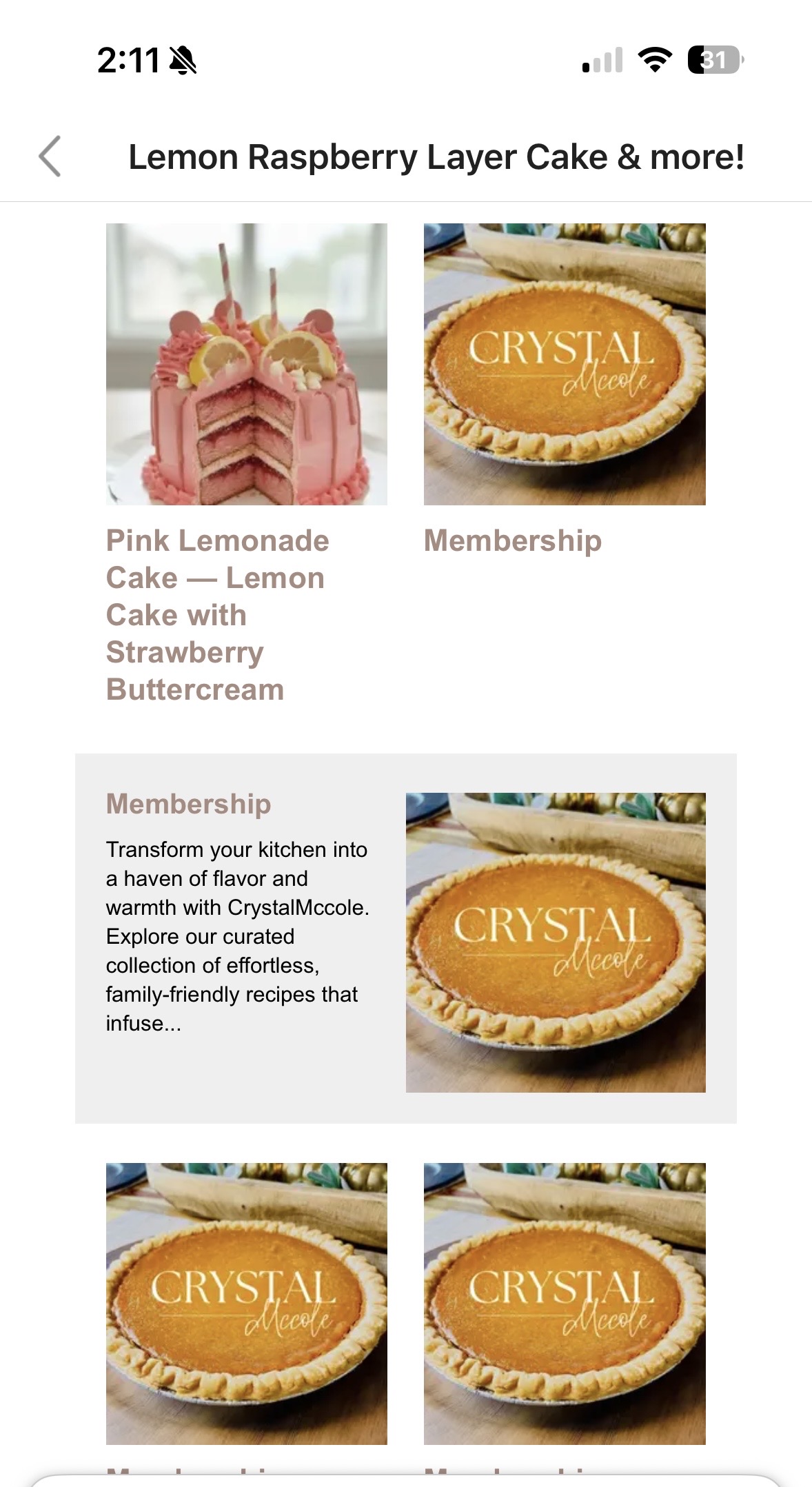
My automailer keeps sending this same email with repetitive links. How can I fix that?
-

Grow uses OpenGraph Meta Tags to pull in post images for its bookmarks. It looks like your default is that pie picture. This is usually set by a social sharing or SEO plugin, so I'd recommend looking at your Facebook or social share settings in that plugin.
If you need to make updates, clear your site's cache and any caching plugins after doing so. Then navigate to Grow Settings > Recommended Content in Grow Publisher Portal and click the Refresh Posts button. This can take up to 24 hours to update.
It also looks like some of the inclusions are pages rather than posts. You can exclude specific pages in Grow Settings > Recommended Content > Pages to Exclude.0
Is your question about Journey by Mediavine?
Please sign in to leave a comment.
Comments
1 comment