'save this recipe' box
Answered
Hi there, I thought this was a grow feature, but I can't seem to find it. There is a ‘Save this Recipe’ Box, that I have seen on several websites. It is usually placed within the post in the beginning and then also at the end of a recipe card. I have been trying to recreate it using the subscribe form, but it ends up containing the Privacy Policy disclaimer, and the examples I have seen don't…. can you tell me how to go about creating something like the examples so I can build my email list. (I have already connected my grow account to my esp - kit.com) Thank you.
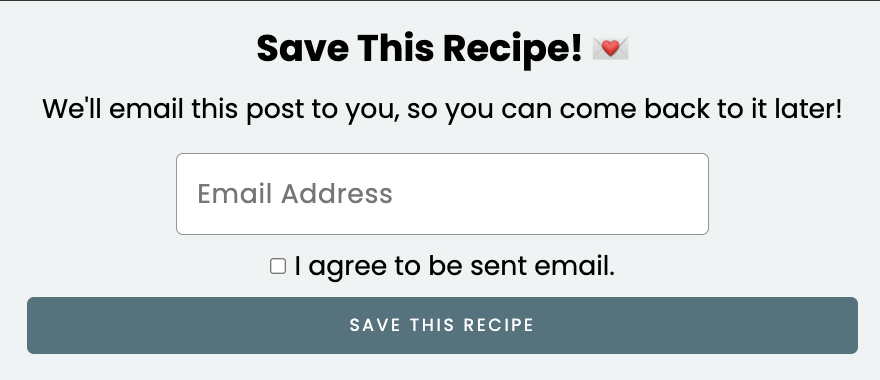
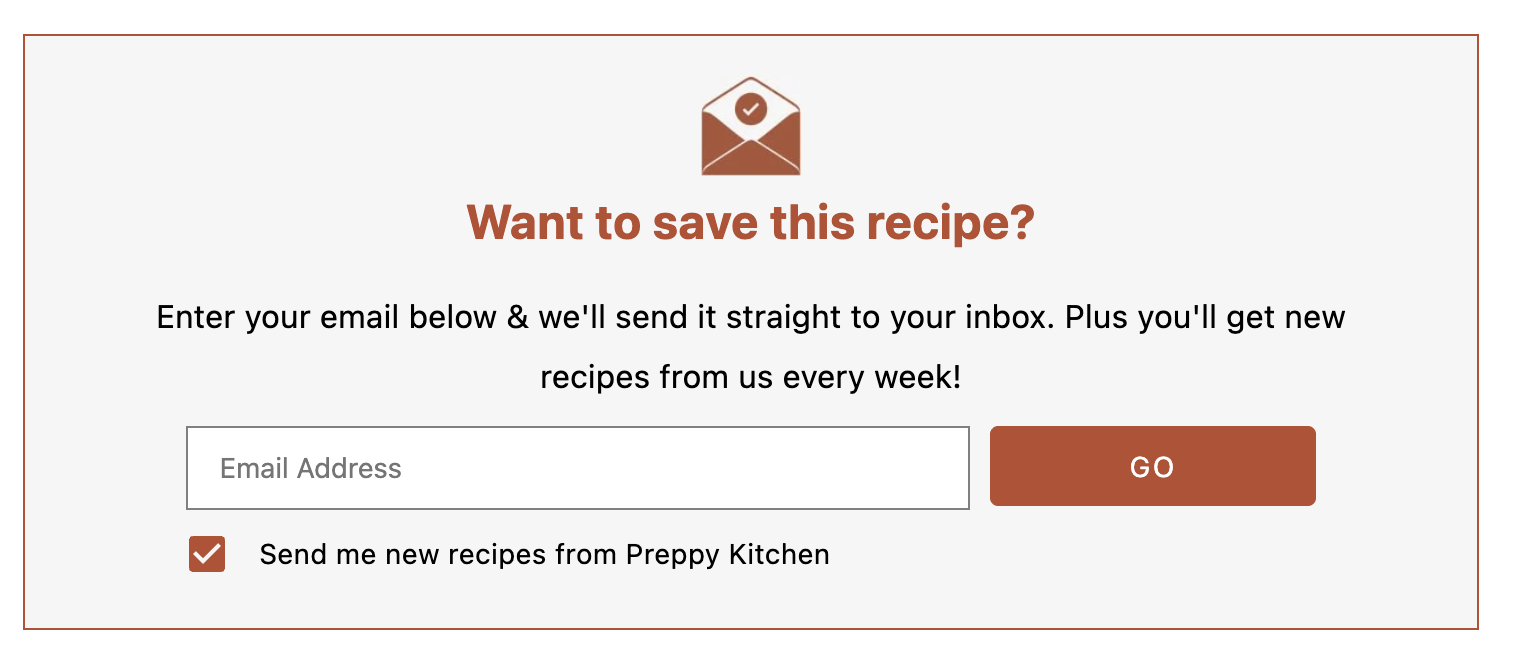
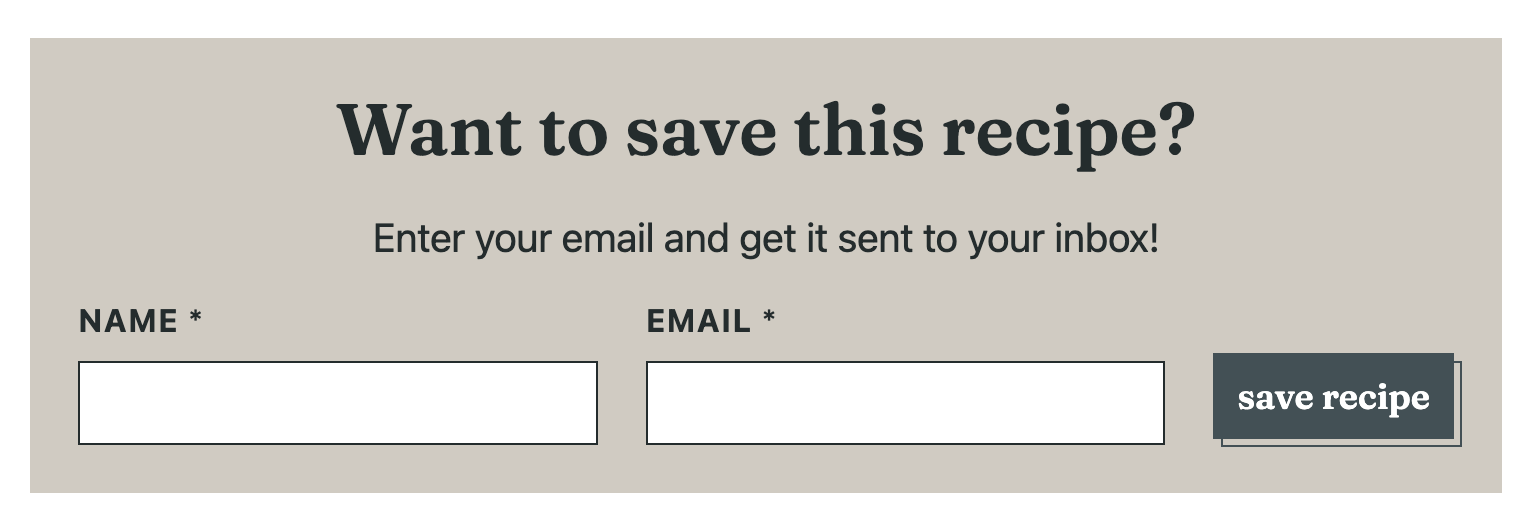
-

Hi Katrina!
Your screenshots are not of Grow Subscribe forms. Other services do offer Save this Recipe forms, though some also require you to sign up for an additional service to actually send the email the user requests when they subscribe. Grow's Link Share forms allow you to easily set up a Save this Recipe form and send the post to readers without additional costs or programs.If you set the Link Share form as your default Spotlight Subscribe form and the Most Valuable Content form in Grow Publisher Portal > Subscribe > Subscribe settings, you can set things up so there's a Save this Recipe form near the beginning of your posts and in the recipe card. The Most Valuable Content form will target Create, Tasty, or WordPress Recipe Maker recipe cards automatically, but you can define a custom selector for additional recipe cards.
These articles can help:
0 -
Thanks for the speedy response! I'll try it out now and get back to you if I have further questions
0
Is your question about Journey by Mediavine?
Please sign in to leave a comment.
Comments
2 comments